Menu Screen
From the Menu, you can check your characters' current status, synthesized items, and more.
Press the designated button while in the atelier to access it.
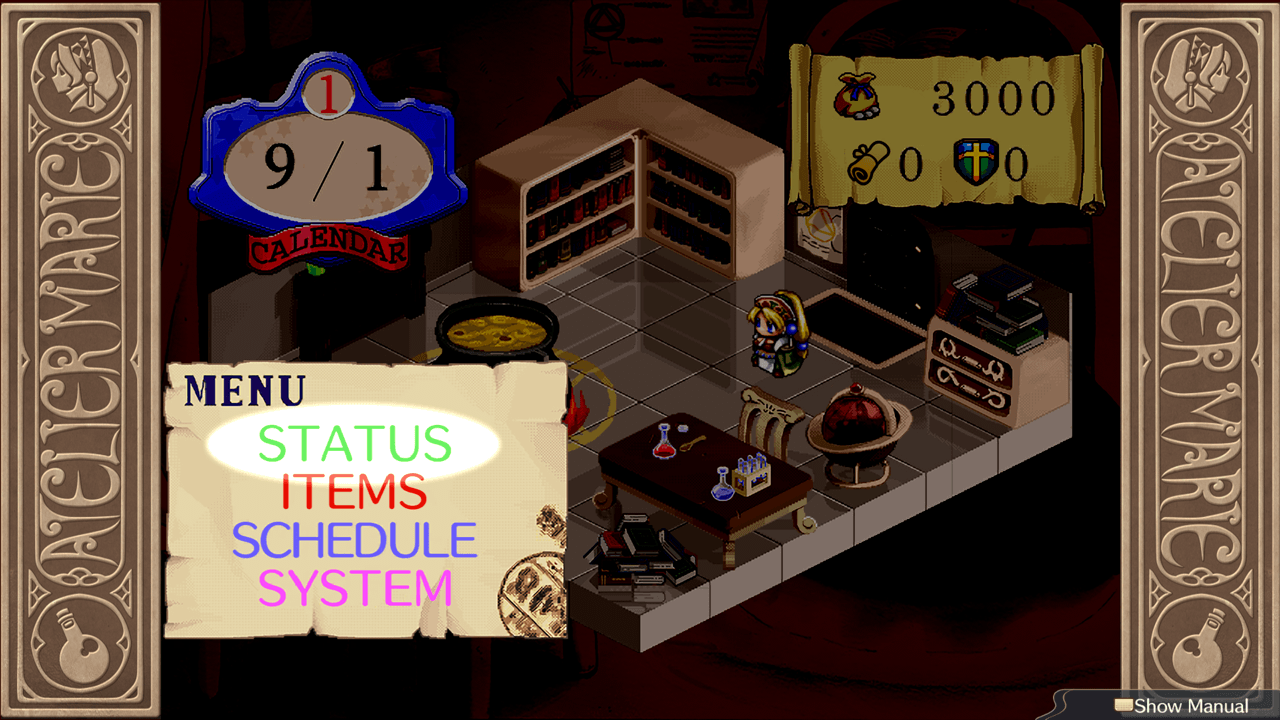
| Open Menu (in atelier) | |||
|---|---|---|---|
| PS4™/PS5™ | Nintendo Switch™ | Steam® | |
| Keyboard and Mouse | Gamepad | ||
 / / |
 |
Left Mouse Button, E/Enter |  |
Status
Check your allies' stats and change their equipment.
Items
Synthesize, use, and equip items.
Schedule
Manage your plans, prepare for upcoming adventures, and more.
Rest
Skip ahead to a designated date.
Quests
Check the requirements and deadlines of active quests.
Fairies
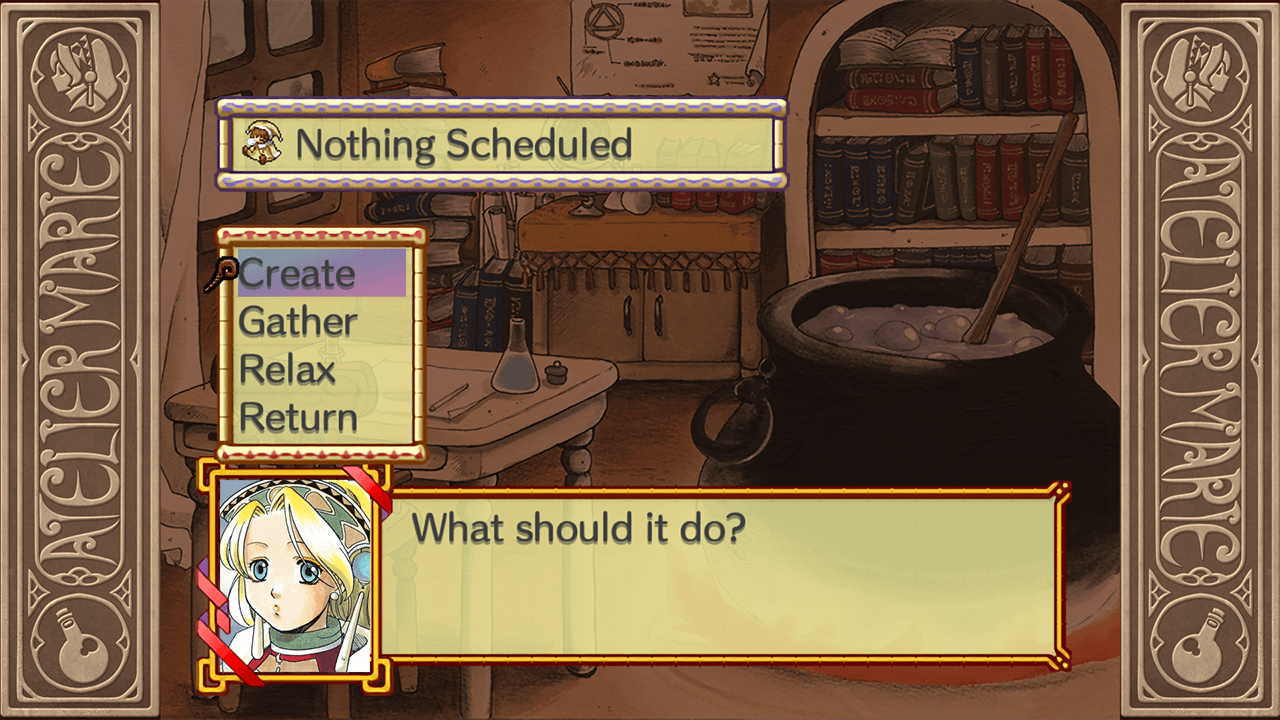
Give directions to hired fairies.
Dismiss
Dismiss an employed adventurer.
Equipment
Check and equip gear.
System
Save, load, and adjust a variety of settings in Options.
To Title Menu
Selecting To Title Menu from System will return you to the title screen of the original "Atelier Marie Plus: The Alchemist of Salburg."