Starting the Game
Setting Up
Start up "Atelier Marie Remake: The Alchemist of Salburg" and press the designated button on the Title Menu to play the original "Atelier Marie Plus: The Alchemist of Salburg."
The original game comes bundled with the "Atelier Marie Remake: The Alchemist of Salburg Digital Deluxe" edition. You can also play it by purchasing the "Atelier Marie Remake: The Alchemist of Salburg Digital Deluxe Upgrade" DLC.
| Launch Original Version | |||
|---|---|---|---|
| PS4™/PS5™ | Nintendo Switch™ | Steam® | |
| Keyboard and Mouse | Gamepad | ||
 / / |
 |
Tab |  |
Title Menu
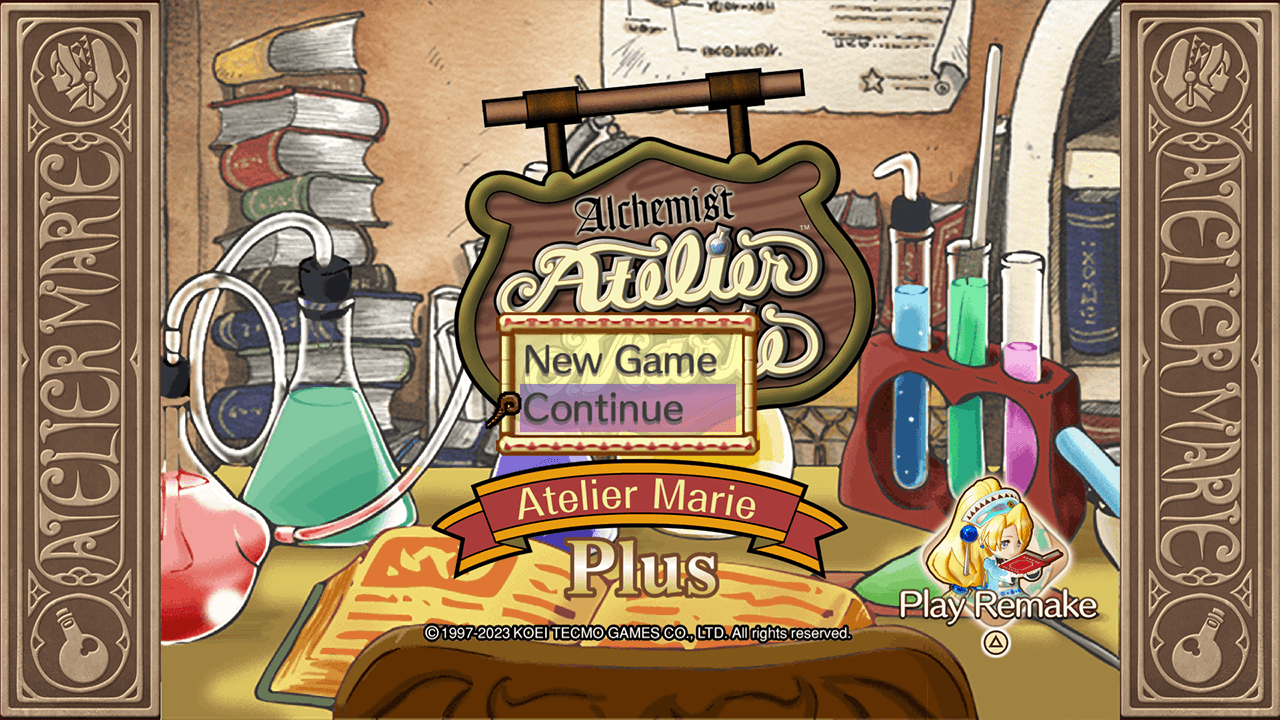
Press the designated button on the title screen to access the Title Menu.
| Open Title Menu | |||
|---|---|---|---|
| PS4™/PS5™ | Nintendo Switch™ | Steam® | |
| Keyboard and Mouse | Gamepad | ||
 / / |
 |
Left Mouse Button, E/Enter |  |
New Game
Begin a new game.
Continue
Resume a previously saved game.
Bonuses
View an array of content.
Appears after clearing the game.
In the original version, you cannot carry clear data over to a new game. You must start again from the beginning.
Return to Remake
Press the designated button on the Title Menu to return to the title screen of "Atelier Marie Remake: The Alchemist of Salburg."
| Return to Remake | |||
|---|---|---|---|
| PS4™/PS5™ | Nintendo Switch™ | Steam® | |
| Keyboard and Mouse | Gamepad | ||
| ・ |
|
Tab | |